5 Grammar Mistakes a Professional Engine Catches That You Might Miss
A practical guide to common English grammar errors — and how Harper, an open-source grammar engine, detects them automatically.
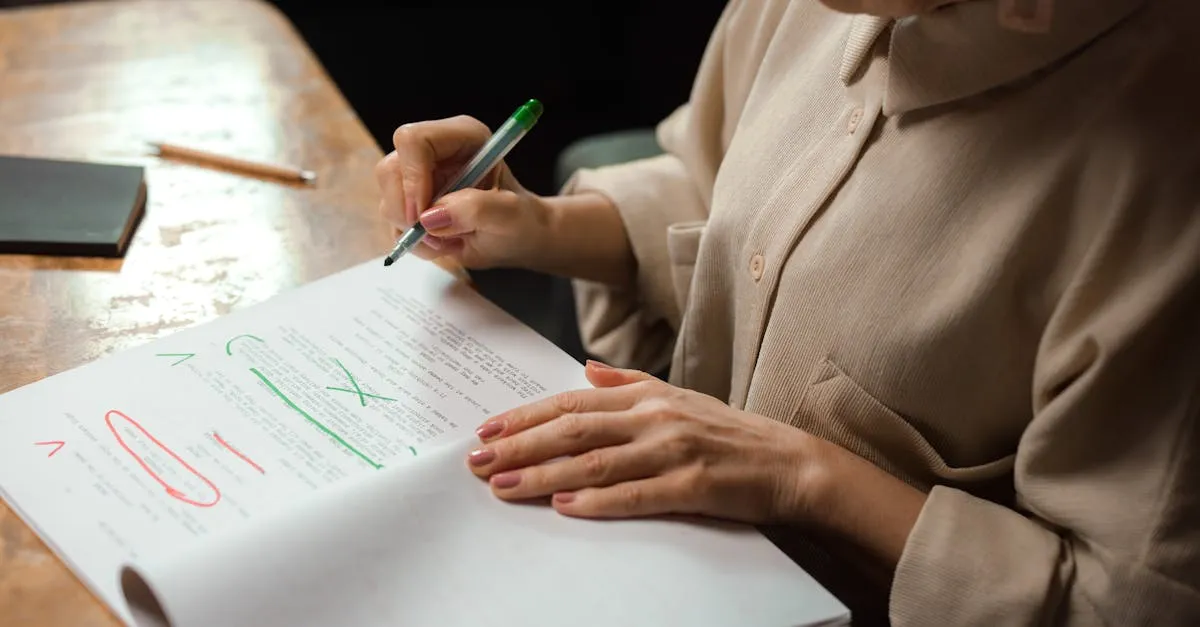
Small mechanical errors can wreck an otherwise polished piece faster than you’d expect. Most of them follow predictable patterns — the kind a rule-based engine catches without breaking a sweat.
Our Grammar Checker runs on Harper, an open-source grammar engine written in Rust. Here are five errors it reliably finds.
1. Repeated consecutive words
The most embarrassing typo: writing the same word twice in a row — “the the”, “is is”, “and and”. It happens when editing mid-sentence and forgetting to remove the duplicate. Most spell-checkers miss it because both words are spelled correctly.
- ✗ “She went to the the store.”
- ✓ “She went to the store.”
2. Incorrect article usage: a vs. an
Use an before words with a vowel sound, a before words with a consonant sound. The rule is about pronunciation, not spelling.
- ✓ “an umbrella” — vowel sound
- ✓ “a unicorn” — sounds like “you” (consonant sound)
- ✗ “a apple” — should be “an apple”
- ✗ “an user” — should be “a user”
This trips up even native speakers with words like “hour” (silent h → “an hour”) and “historical” (aspirated h → “a historical”).
3. Capitalization errors
Every sentence must start with a capital letter. Harper also catches cases where the pronoun I is lowercase — a habit that creeps in from informal messaging.
- ✗ “yesterday i went to the market.” → “Yesterday I went to the market.”
- ✗ “i think it’s a great idea.” → “I think it’s a great idea.”
4. Spelling mistakes
Harper includes a built-in English dictionary and flags words that don’t match any known spelling. It also suggests the most likely correction, not just a generic “word not found.”
- ✗ “recieve” → “receive”
- ✗ “occured” → “occurred”
- ✗ “definately” → “definitely”
5. Punctuation spacing
After a comma or semicolon there must be a space before the next word. Missing spaces often appear when copying text from different sources or typing quickly on mobile.
- ✗ “Hello,world” → “Hello, world”
- ✗ “first;second” → “first; second”
How to use the Grammar Checker
Paste any English text into the free Grammar Checker and Harper analyses it automatically after a short pause. Each issue shows a category label (Grammar, Style, Punctuation), a description of the problem, a suggested fix, and a line and column number so you can find it immediately.
Your text goes over HTTPS to belun.app’s own API server and is processed by Harper there. Nothing is stored or shared.
What automated tools don’t catch
For issues no engine handles well — nuanced subject-verb agreement, comma splices, dangling modifiers — read your text aloud. Sentences that are hard to say are usually hard to read. If something sounds awkward, it probably needs restructuring, not just a mechanical fix.
Try the Grammar Checker — paste any English text and get instant feedback, no signup required.