Why Google Cuts Your Title at 580 Pixels, Not 60 Characters
Google truncates search snippets by rendered width, not character count. Here is where the pixel limits come from and which titles get cut early.
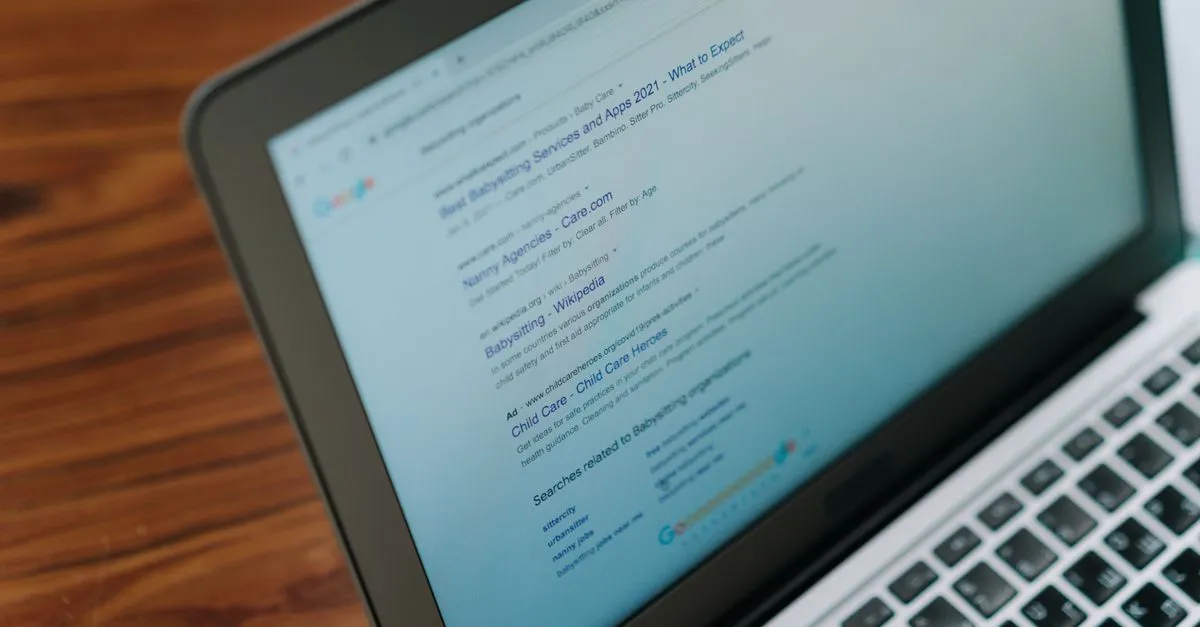
Ten capital W’s, set in Arial at 20px, measure 189 pixels. Ten lowercase l’s measure 44. Identical character counts, four times the width, and Google’s title column has no opinion about which one you wrote. It stops at the edge either way.
That is why “keep your title under 60 characters” keeps letting people down. The rule isn’t wrong so much as it’s an average pretending to be a limit. It is still a useful first filter — a character count tells you instantly whether a title is even in the right range — but the pixel measurement is what decides.
Where 580 comes from
On the desktop results page Google sets the title link in Arial at 20px inside a column roughly 600 pixels wide, with the snippet body at 14px underneath it. Strip the padding and you get about 580 pixels of usable title and 920 for the description. Phones wrap both over more lines, so the budgets there run closer to 920 and 1300.
Divide 580 by the average advance width of an English lowercase letter and you land almost exactly on 60. That’s the entire provenance of the famous number. It holds for average text and falls apart the moment your title isn’t average.
The things that eat width
Capitals are the obvious one. Arial’s capital M is 833 units per em against 556 for a lowercase o, so a title in Title Case costs meaningfully more than the same words in sentence case, and one in ALL CAPS costs a lot more.
Less obvious offenders:
- The brand tail.
| Acme Corporationis about 170 pixels gone before you’ve said anything about the page. - Em dashes. An em dash is one full em, which at title size is 20 pixels, wider than a capital W.
- Cyrillic and accented text tends to run a touch wider than Latin at the same character count.
- Digits are cheap. Every numeral in Arial is 556, the same as a lowercase o, so a year or a price costs you almost nothing.
Google rewrites a third of them regardless
When Ahrefs studied roughly 82,000 pages after the August 2021 title update, Google had replaced the title on 33.4% of them. Overlong titles were one trigger. So were titles stuffed with a repeated keyword, and boilerplate that appeared identically across a whole site.
Fitting the pixel budget doesn’t guarantee your title survives. It removes the most common reason it doesn’t.
The description isn’t a ranking factor. Write it anyway.
Google has said plainly, more than once, that the meta description doesn’t feed the ranking systems. What it feeds is click-through rate, which is the thing you were actually buying. Leave it empty and Google grabs a sentence off the page — sometimes a good one, often the nav copy or a stray caption.
Front-load it. On a phone the snippet gets cut sooner than you’d like, and whatever survives is the first line.
What to aim for
Fill 90 to 100 percent of the bar. Space you don’t use is space a competitor does. Space you overrun turns your closing words into an ellipsis, and the closing words of a title are usually where people put the qualifier that would have won the click.
One element of the snippet isn’t text at all: the favicon Google renders beside the URL, at 48×48. If the site has no icon at a stable URL, that slot falls back to a generic globe, which costs clicks no amount of title tuning wins back — the Favicon Generator covers the sizes Google and Yandex each ask for.
Paste your draft into the SERP Snippet Preview and switch between desktop and mobile before you ship it. If the title is getting rewritten rather than truncated, run the page copy through the Keyword Density Checker too, since repetition is the second-most-common trigger after length.